
TL;DR: For school (Grades 4–12), a Chromebook or an entry-level Windows laptop from about R6,000 to R9,000 is enough. For university, buy a laptop with 16 GB of RAM, a 512 GB SSD and a Core i5/Core 5 or Ryzen 5 processor, which costs about R12,000 to R15,000. Engineering, design and computer science students should budget R16,000 or more.
Public schools open on 13 January 2027. Order in December to avoid the January rush.
What laptop does a student need?
It depends on the work, not the grade. Browser-based schoolwork, essays and Google Classroom run on almost anything. University software, large spreadsheets and 30 open browser tabs need more memory. Here is what South African universities ask for.
North-West University publishes three tiers for 2026:
| Tier | Who it suits | Processor | RAM | Storage |
|---|---|---|---|---|
| Everyday / entry-level | School learners, humanities, education, distance learning | Recent Intel Core i3 or AMD Ryzen 3 | 8 GB | 256–512 GB SSD |
| Mid-range all-rounder | Most degrees: commerce, law, health sciences, science | Intel Core i5 or Ryzen 5, or better | 16 GB | 512 GB SSD |
| Heavy / super user | Engineering, architecture, design, data science | Intel Core i7/i9 or Ryzen 7/9 | 16–32 GB | 1 TB SSD, dedicated graphics strongly recommended |
Stellenbosch University’s Faculty of Science guide for 2026 says the same in plainer terms. It sets 8 GB of RAM as the absolute minimum and 16 GB as the recommendation, and asks for a 512 GB or bigger SSD. It does not recommend Intel Celeron processors, and it recommends Windows because campus IT has limited support for Mac and Linux (SU Science computer guide).
Always check your own faculty’s list before buying. Some courses (engineering, architecture, IT) name specific software that needs Windows and more power.
Chromebook or Windows laptop: which is better for school?
For younger learners at schools that use Google Classroom or Google Workspace for Education, a Chromebook is often the better buy. For high school learners doing CAT or IT, and for anyone going to university, choose Windows.
| Chromebook | Windows laptop | |
|---|---|---|
| Best for | Primary and high school learners on Google Classroom | High school CAT/IT, university, TVET, distance learning |
| Software | Web apps and Android apps. Microsoft 365 works in the browser. | Runs everything, including desktop Office, Teams and course software |
| Virus risk | Very low. Updates install automatically. | Needs Windows Security switched on, or Kaspersky Plus (R350) |
| Starts up | In seconds | Slower on entry-level models |
| Price at JLS | From R6,087 | From R6,735 |
One thing to check on any Chromebook is its update end date. Google gives Chromebooks released from 2019 onward up to 10 years of automatic updates, but the clock starts when the model launches, not when you buy it. On the Chromebook, open Settings → About ChromeOS → Additional details → Update schedule, or look the model up on Google’s Auto Update policy list.
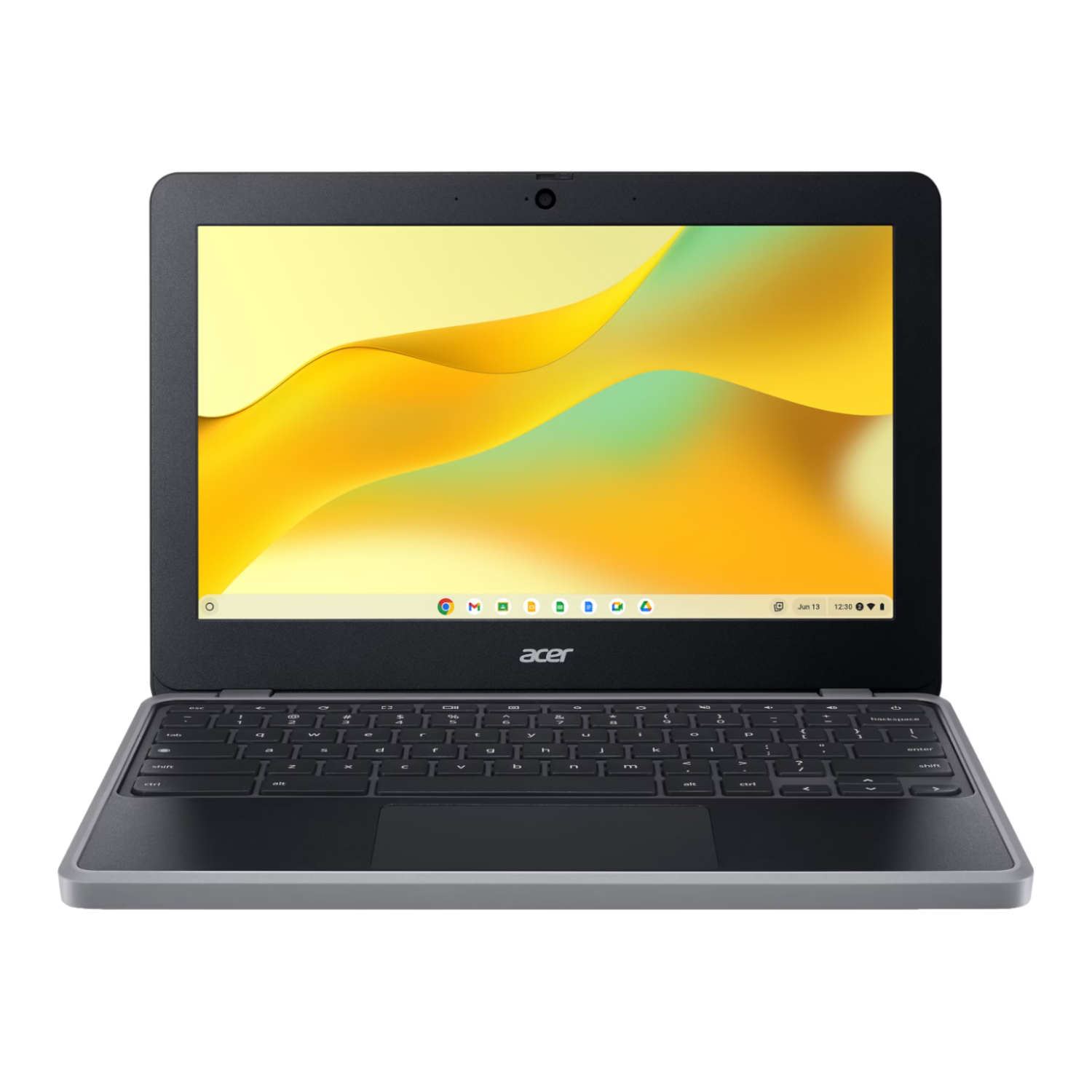
Best laptops for school learners (under R10,000)
These handle homework, research, typing and video lessons. All were in stock at JLS Computers on 30 October 2026:
| Laptop | Key specs | Best for | Price |
|---|---|---|---|
| Acer Chromebook 311 (C723) | 11.6″ HD, MediaTek Kompanio 528, 4 GB, 32 GB, up to 15 hours battery, 1.24 kg | Primary school, Google Classroom | R6,087 |
| Asus Vivobook Go 15 (Celeron N150) | 15.6″, Windows 11 Home | Typing, browsing, basic Office work | R6,735 |
| Acer Gadget E10 ETBook (Ryzen 5 3450U) | 15.6″, 8 GB, 256 GB SSD, Windows 11 | High school, CAT | R8,341 |
| Acer Gadget E10 ETBook (Core i5-1235U) | 15.6″, 8 GB, 512 GB SSD, Windows 11 | High school with room to grow | R9,106 |
| Asus Vivobook 16 (Ryzen 5) | 16″ screen, 8 GB, 256 GB SSD, Windows 11 Home | A bigger screen for long study sessions | R9,158 |
| Acer Chromebook Spin 512 | 12″ touchscreen that folds into a tablet, Intel N100, 8 GB, 64 GB | Learners who write notes by hand | R9,377 |
Our pick for most high school learners is the Acer Gadget E10 with the Core i5. Its 512 GB SSD and i5 processor mean it can carry on into first year at varsity. The Celeron-based Vivobook Go is fine for typing and browsing but feels slow with heavier work, so we wouldn’t buy it for university.
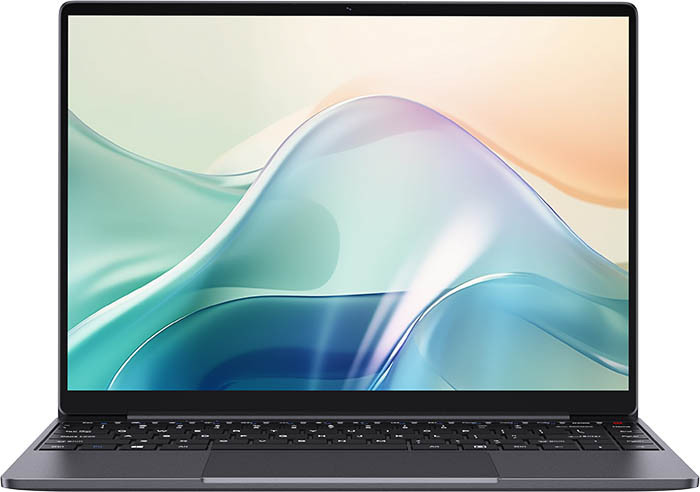
Best laptops for university students (R12,000 to R15,000)
This is the sweet spot for most degrees: 16 GB of RAM and a 512 GB SSD, which meets the mid-range tier above. It should last a three- or four-year degree.
| Laptop | Key specs | Why it’s on the list | Price |
|---|---|---|---|
| Lenovo IdeaPad Slim 3 (Ryzen 5 5625U) | 15.6″ FHD, 8 GB, 512 GB SSD, Windows 11 Home | Most affordable route to a Ryzen 5 and 512 GB SSD | R12,133 |
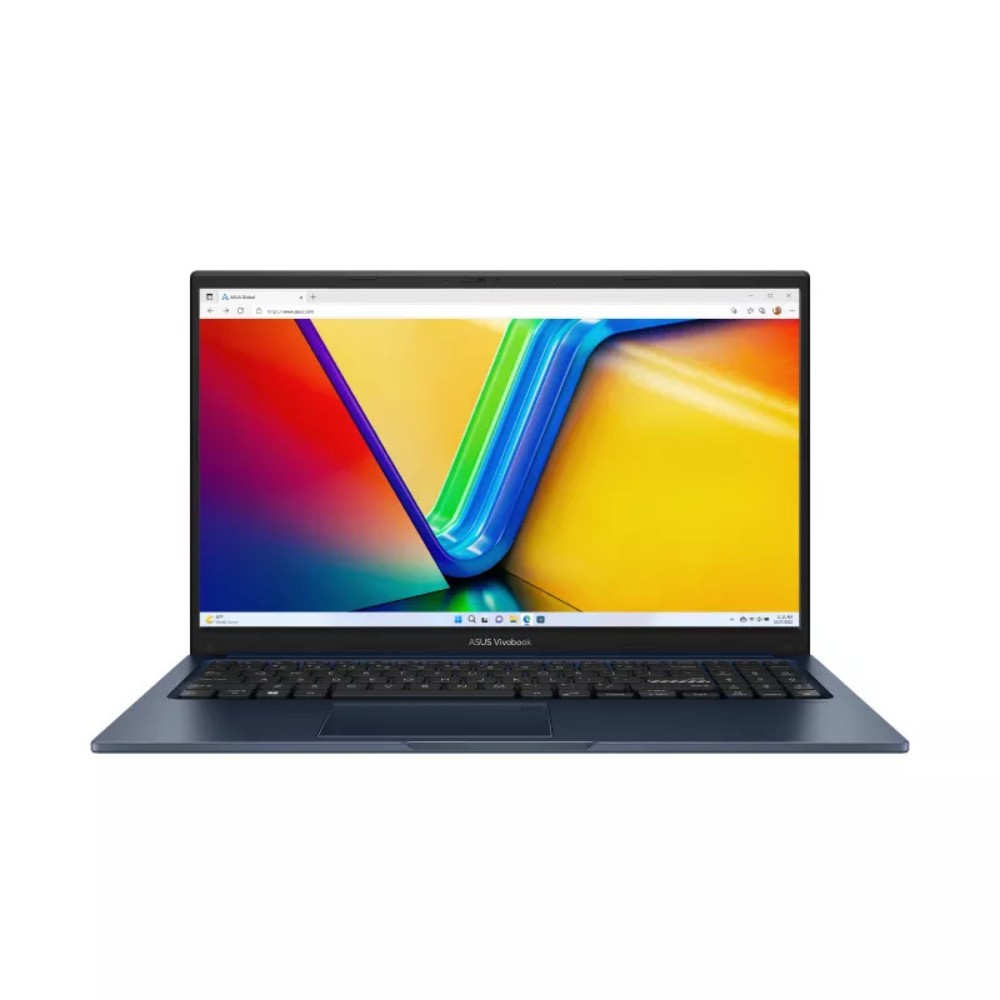
| ASUS Vivobook 15 X1504VA (Core 5 120U) | 15.6″ FHD IPS, 16 GB, 512 GB SSD, Windows 11 Home | Best value 16 GB laptop for most degrees | R12,246 |
| HP 255R (Ryzen 7 7735U) | 15.6″ FHD, 8 GB, 512 GB SSD, Windows 11 Home | Ryzen 7 power for spreadsheets and statistics | R13,995 |
| ASUS Vivobook 14 M1407GA (Ryzen AI 7 445) | 14″ WUXGA, 16 GB, 512 GB SSD, Windows 11 Home | Lighter 14″ size for carrying around campus | R14,696 |
Our pick is the ASUS Vivobook 15 X1504VA with 16 GB. It meets the recommended spec at most South African universities for just over R12,000. If you choose an 8 GB model, check that it has a free memory slot so you can add RAM later.
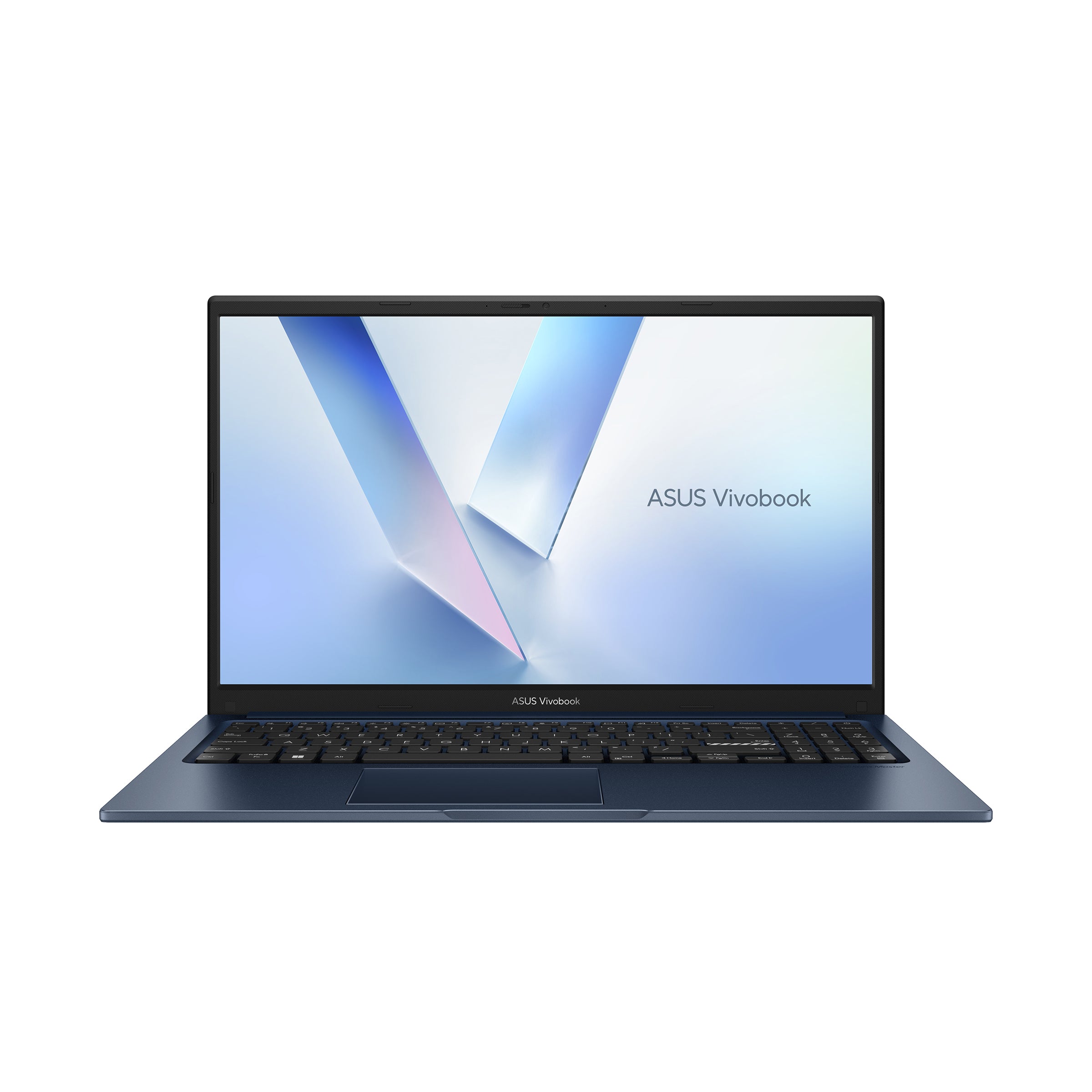
Laptops for engineering, design and computer science (R16,000+)
CAD, 3D modelling, video editing and programming with virtual machines need a Core i7/Ryzen 7 class processor and 16 GB or more. For SolidWorks, Revit or Adobe Premiere, a dedicated graphics card helps a lot.
- Lenovo IdeaPad Slim 3 (Ryzen 7 5825U, 16 GB, 512 GB), R16,564. A strong all-rounder for computer science and statistics.
- ASUS Vivobook 14 Flip (Core Ultra 7 256V, 16 GB, 1 TB, OLED touch), R16,868. A 2-in-1 for students who annotate slides and sketch.
- For CAD and rendering, look at gaming laptops with an NVIDIA RTX graphics card. They double as strong engineering machines. Our ASUS laptop price guide compares the TUF and ROG ranges.
What else should a student buy with a laptop?
- A padded backpack. The Volkano Smart Deux anti-theft backpack (R800) has hidden zips for taxis and campus. The Volkano Relish (R478) is a good budget option.
- Microsoft Office. Most South African universities give registered students Microsoft 365 free through their student email, so check before you buy. Otherwise, Microsoft 365 Personal costs R937 a year, and Microsoft 365 Family (R1,035) covers up to six people.
- Backup. Losing a semester’s assignments to a stolen laptop is worse than losing the laptop. Use the free cloud storage from your school or university, or an external drive.
Buying laptops for a school or for several learners?
Schools, tutoring centres and parents buying for more than one child can send us a list through the JLS Computers quote desk. We usually reply within the hour. We also supply Chromebook and laptop charging carts for classrooms. Delivery is free in Pretoria and on orders over R5,000 nationwide.
FAQs about student laptops
How much should I spend on a laptop for university?
About R12,000 to R15,000 buys a laptop with 16 GB of RAM and a 512 GB SSD, which meets most universities’ recommended specs. Engineering and design students should budget R16,000 or more.
Is 8 GB of RAM enough for a student?
For school, yes. For university, 8 GB is the minimum. Universities such as NWU and Stellenbosch recommend 16 GB for most degrees, because browsers, Teams and Office together use a lot of memory.
Can I use a Chromebook at university?
For some humanities courses, perhaps. But Chromebooks can’t install Windows desktop software, and many courses and online tests expect Windows. University guides such as NWU’s and Stellenbosch’s are written for Windows laptops. If you’re unsure, buy Windows.
Is a Celeron laptop good enough for school?
For typing, browsing and video lessons, yes. For university, no. Stellenbosch’s Faculty of Science specifically advises against Celeron processors. Choose a Core i3/Ryzen 3 or better.
Can I use my NSFAS allowance to buy a laptop?
NSFAS pays a learning materials allowance, and how it is paid differs by institution. Some pay it in cash, others through a voucher or a set supplier. Confirm with your financial aid office before you order.
When do schools open in 2027?
Public schools open on 13 January 2027, according to the Department of Basic Education’s 2027 school calendar. Term 1 runs until 19 March. Most universities start in February.
Tell us what you need it for and your budget. We'll come back with options from 800+ brands, usually within the hour.