
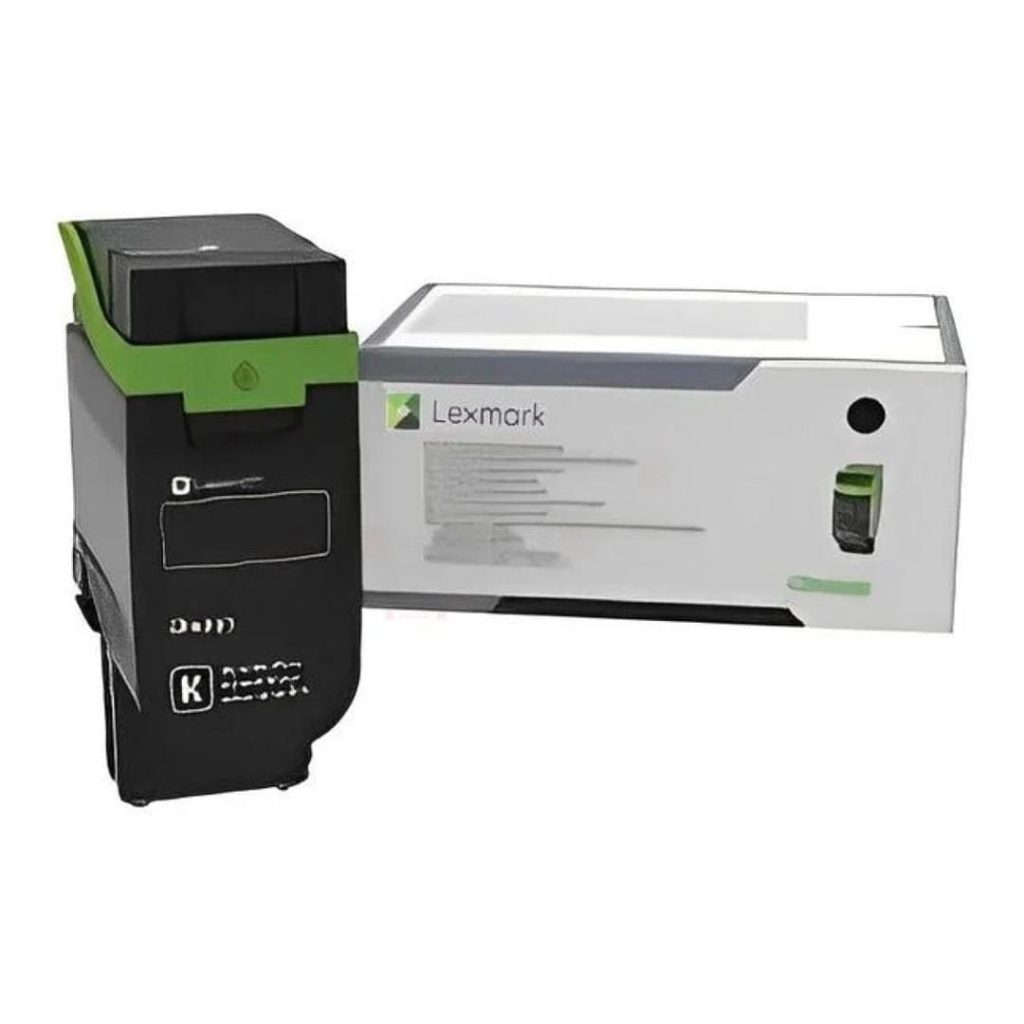
TL;DR: Find the cartridge code (for example HP 83A or CF283A) printed on the old cartridge or in your printer manual, and search for that code, not just the printer model.
Original cartridges cost more but give the most reliable quality and page yield. Compatible cartridges cost a fraction of the price and suit everyday office printing. To compare, always work out the cost per page: price ÷ rated page yield.
How do I know which cartridge my printer uses?
Look in these places, in this order:
- The old cartridge. The code is on the label, for example “HP 83A CF283A”, “Canon 725”, “Brother TN-2xxx” or “Samsung MLT-D116L”.
- The printer itself. Many printers show the cartridge code inside the front cover or on the status screen under supplies.
- The printer model. Use it only if you can’t find the code. One printer can take a standard and a high-yield cartridge, such as HP 83A and 83X, and one cartridge often fits several printers.
Search our store by that code. If you still aren’t sure, send a photo of the old cartridge label to the quote desk or on WhatsApp, and we’ll match it for you.
Toner or ink: what’s the difference?
Laser printers use toner, a fine powder fused onto the paper with heat. Toner doesn’t dry out, yields thousands of pages and is the cheapest option for lots of text.
Inkjet printers use liquid ink. It is better for photos and colour, but cartridges can dry out if the printer stands unused for weeks. For high-volume colour printing, an ink tank printer such as the Epson EcoTank L3550 (R3,620) is filled from bottles. It costs far less per page than cartridges.

Original vs compatible vs Return Programme cartridges
| Type | What it is | Pros | Watch out for |
|---|---|---|---|
| Original (OEM) | Made by the printer brand | Most consistent print quality and yield; no compatibility warnings | Highest price |
| Compatible / generic | New cartridge made by a third party (e.g. Topjet, Inkpower) to fit your printer | Usually a fraction of the original’s price | Quality varies by brand; some printers show a “non-genuine” message after firmware updates |
| Return Programme (Lexmark) | Discounted original sold on the condition that the empty is returned to Lexmark for recycling | Original quality for less | Meant for single use, not for refilling |
| Remanufactured | A used original cartridge, cleaned and refilled | Cheaper and greener | Results depend on who remanufactured it |
A compatible cartridge doesn’t void your printer’s warranty just by being installed. But if a faulty third-party cartridge damages the printer, the manufacturer may refuse to cover that repair. For printers still under warranty, or for client-facing documents, choose originals. For internal printing and older printers, compatibles make sense.
How to compare cartridge prices: cost per page
The sticker price is misleading. A cartridge that costs twice as much but prints three times as many pages is cheaper. Divide the price by the rated page yield. Brands measure yield using ISO standards: ISO/IEC 19752 for mono toner, ISO/IEC 19798 for colour toner and ISO/IEC 24711 for inkjet, all based on a standard test page with about 5% coverage.
| Cartridge | Price | Rated yield | Cost per page |
|---|---|---|---|
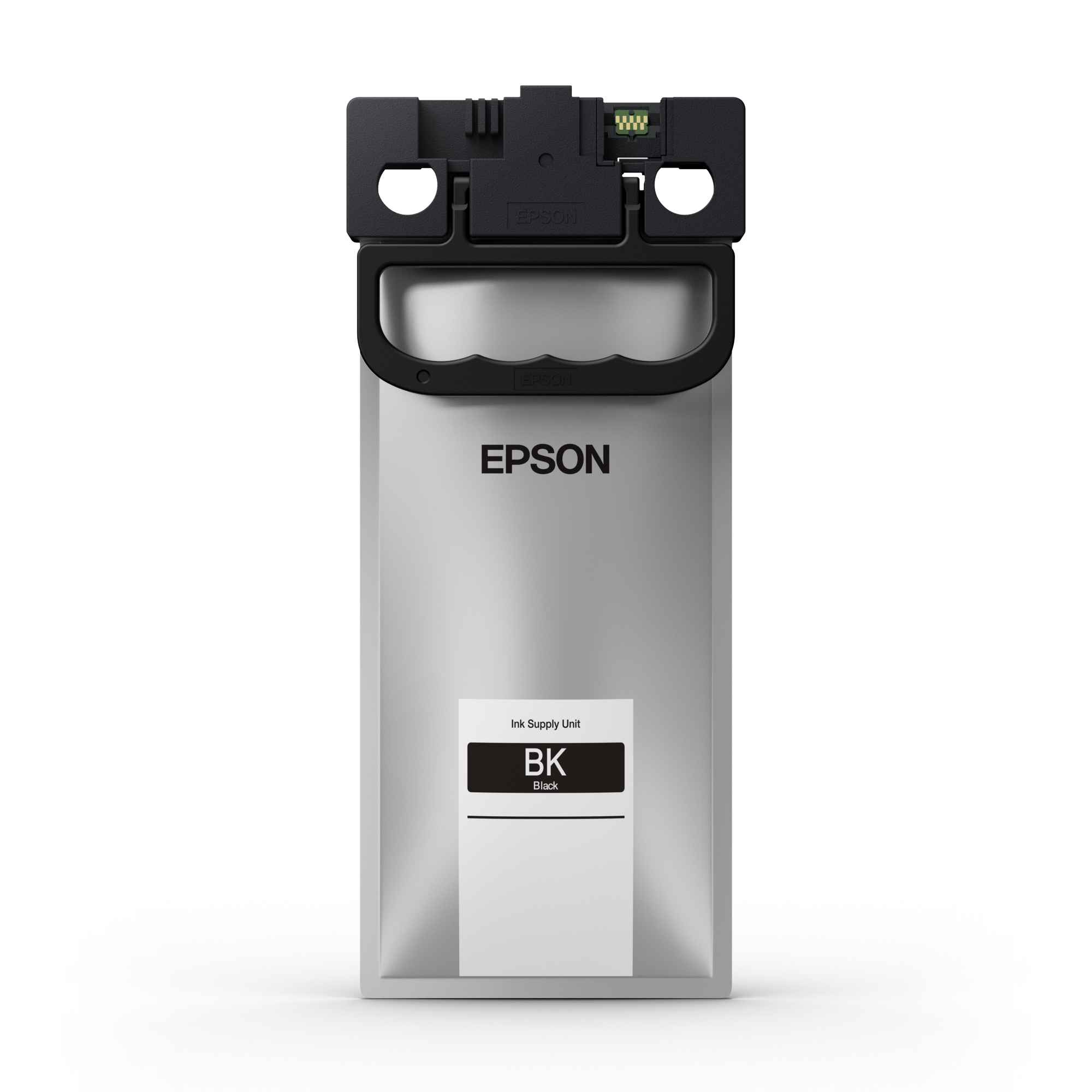
| Epson WF-C5xxx L Black | R1,629 | 3,000 pages | R0.54 |
| Epson WF-C5xxx XXL Black | R3,056 | 10,000 pages | R0.31 |
The XXL costs nearly twice as much but cuts the cost per page by more than 40%. Where your printer takes a high-yield version (XL, XXL or the “X” in HP codes), it’s almost always the better buy for an office.
Popular toner cartridges in stock
| Cartridge | Type | Price |
|---|---|---|
| HP 83A (CF283A) black | Compatible | R212 |
| HP 106A black | Compatible | R638 |
| HP 87A (CF287A) black | Compatible (Topjet) | R612 |
| HP 201A (CF400A) / Canon 045 | Compatible (Topjet) | R318 |
| Pantum TL-2315 black | Compatible (Topjet) | R531 |
| HP 06A (C3906A) black | Original | R1,064 |
| HP 61A (C8061A) black | Original | R1,596 |
| Brother TN-469BK high-yield black | Original | R1,960 |
| Canon C-EXV 48 black (C1325/C1335 copiers) | Original | R908 |
| Lexmark E250/E350/E352 | Return Programme | R1,245 |
For colour laser printers, we also stock compatible HP 122A, 124A, 125A, 128A and 130A cartridges and Samsung CLT-407/409 cartridges from R318 each. Browse all toner cartridges and ink cartridges.

Tips to make a cartridge last longer
- Print internal documents in draft or toner-save mode, and in greyscale where colour isn’t needed.
- When the printer says “toner low”, gently rock the cartridge side to side to spread the remaining powder. You often get a few hundred more pages.
- For inkjets, print a page at least once a week to stop the nozzles drying out.
- Store spare cartridges sealed, flat and out of direct sun.
Businesses that order toner monthly can send their printer list to the quote desk for one combined quote. Delivery is free in Pretoria and on orders over R5,000 nationwide.
FAQs about printer cartridges
Are compatible toner cartridges any good?
Good brands print well for everyday text and invoices at a much lower price. For photos, presentations and printers under warranty, originals are the safer choice.
What’s the difference between HP 83A and 83X?
The “A” is the standard cartridge and the “X” is the high-yield version, which prints more pages and usually costs less per page. Both fit the same printers.
Why does my printer say “non-genuine cartridge”?
The printer has detected a third-party chip. Most printers let you continue after confirming the message. Some brands’ firmware updates block certain compatibles, so be careful about automatic firmware updates if you rely on them.
How many pages does a toner cartridge print?
Usually 1,000 to 10,000 pages, depending on the cartridge. The rated yield is printed on the box and product page, measured at about 5% page coverage. Pages with images or heavy text use more.
Tell us what you need it for and your budget. We'll come back with options from 800+ brands, usually within the hour.
