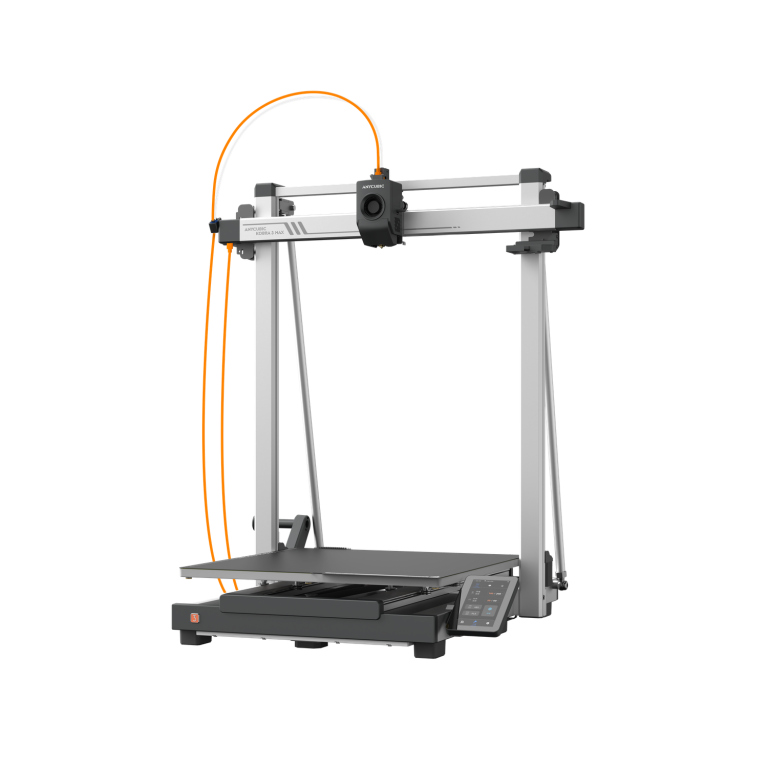
TL;DR: The latest Anycubic 3D printers in South Africa are the Kobra X (four colours built in, from R8,147), the enclosed Kobra S1 and S1 Combo (R9,954 and R13,129), the large Kobra S1 Max with a 65 °C heated chamber (from R17,195) and the Photon P1 resin printer (R14,938). For a first printer, the Kobra X is the best value. For ABS, ASA and engineering filaments, choose the Kobra S1 or S1 Max. For miniatures and fine detail, choose a Photon resin printer. JLS Computers is an authorised Anycubic reseller, and every printer comes with a 12-month Anycubic warranty.
Anycubic has spent the past year rebuilding its range around three ideas: multi-colour printing that doesn’t waste a spool’s worth of filament, enclosed CoreXY machines that handle engineering materials, and resin printers that level and heat themselves. This guide covers the current models we stock, what each one is for, and how to choose. Prices were checked on 1 October 2026.
Which Anycubic 3D printers are newest in 2026?
The newest Anycubic printers are the Kobra X, launched globally in early 2026 after its debut at Formnext 2025, and the Photon P1 Max, a 14-inch 12K resin printer that went on sale internationally in September 2026. Anycubic showed both at RAPID + TCT 2026, alongside the Kobra S1 Max Combo and the Photon P1.
Here is the current Anycubic printer range at JLS Computers:
| Printer | Type | Build volume | Best for | Price |
|---|---|---|---|---|
| Kobra X | FDM, 4 colours built in | 260 × 260 × 260 mm | First printer, multi-colour on a budget | R8,147 |
| Kobra S1 | FDM, enclosed CoreXY | 250 × 250 × 250 mm | ABS and ASA, quiet printing | R9,954 |
| Kobra 3 Max | FDM, open frame | 420 × 420 × 500 mm | Large one-piece prints in PLA and PETG | R10,865 |
| Kobra S1 ACE 2 Pro Combo | FDM, enclosed, 4 colours | 250 × 250 × 250 mm | Multi-colour with engineering filaments | R13,129 |
| Kobra S1 Max | FDM, heated chamber | 350 × 350 × 350 mm | Nylon, polycarbonate, carbon-fibre | R17,195 |
| Kobra S1 Max Combo | FDM, heated chamber, 4 colours | 350 × 350 × 350 mm | Large multi-material production parts | R21,726 |
| Photon Mono 4 | Resin, 7″ 10K | 153.4 × 87 × 165 mm | Miniatures on a budget | R4,529 |
| Photon Mono M7 Pro | Resin, 10.1″ 14K | 223 × 126 × 230 mm | Fast, high-volume resin work | R12,670 |
| Photon P1 | Resin, 10.1″ 14K | 223 × 126 × 230 mm | Hands-off resin printing | R14,938 |
Is the Anycubic Kobra X a good first 3D printer?

Yes. The Kobra X is the best first printer in the current Anycubic range, and the cheapest way to print in four colours. Most multi-colour printers park a separate filament unit beside the machine. The Kobra X builds four filament channels into the printer itself, so colour changes are quicker and waste less filament. Anycubic puts the reduction at 81.25% less purge per colour swap, and the system can be expanded to 19 colours.
Independent testing backs this up. Tom’s Hardware gave the Kobra X an Editor’s Choice award and called it “an excellent, entry-level four-color printer”. In its test, a four-colour print used 150 g of purge filament, against 229 g on a popular rival, and finished hours sooner.
- Build volume of 260 × 260 × 260 mm, at 300 mm/s recommended and 600 mm/s maximum
- Hardened steel 0.4 mm nozzle to 300 °C, so it handles PLA-CF and PETG-CF as well as PLA, PETG and TPU
- LeviQ 3.0 automatic bed levelling, a 720P camera and AI spaghetti detection
It is an open-frame printer, so it isn’t the right choice for ABS or ASA, which need an enclosure to stop warping. For those, look at the Kobra S1.
Kobra S1 or Kobra S1 Max: which enclosed printer should you buy?

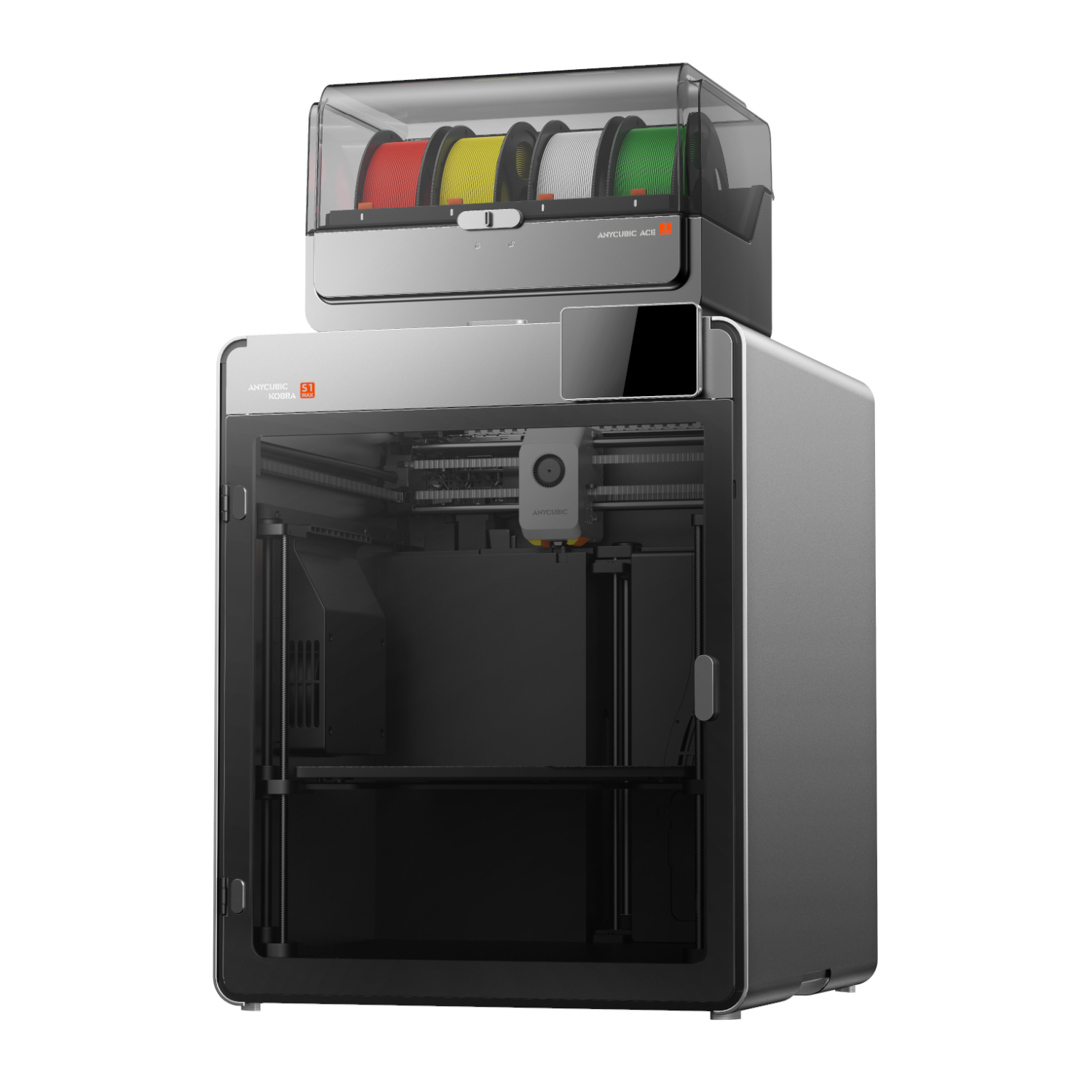
Buy the Kobra S1 if you want ABS, ASA and PLA in a compact, quiet machine. Buy the Kobra S1 Max if you print nylon, polycarbonate or fibre-filled filaments, or need a bigger bed. The difference is the chamber: the S1 is enclosed, while the S1 Max actively heats its chamber to 65 °C, which is what stops engineering materials warping and splitting.
| Kobra S1 | Kobra S1 Max | |
|---|---|---|
| Build volume | 250 × 250 × 250 mm | 350 × 350 × 350 mm |
| Chamber | Enclosed, carbon filter | Actively heated to 65 °C |
| Max nozzle temperature | 320 °C | 350 °C, hardened steel |
| Max bed temperature | 120 °C | 120 °C |
| Materials | PLA, PETG, TPU, ABS, ASA | Adds PC, PA, PA6-CF, PC-CF/GF, PET-CF |
| Camera | 480P, AI detection | 720P, AI detection |
| Noise (quiet mode) | ≤ 44 dB | ≤ 45 dB |
| Price on its own | R9,954 | R17,195 |
| Price with ACE 2 Pro | R13,129 | R21,726 |
If you think you’ll want colour later, buy the combo now. At current prices, the Kobra S1 Combo is R2,257 cheaper than the S1 and an ACE 2 Pro bought separately. The S1 Max Combo saves R901. Note that the S1 Max works with the ACE 2 Pro only, not the original ACE Pro.
What is the ACE 2 Pro, and do you need one?
The ACE 2 Pro is Anycubic’s four-slot filament hub and dryer. It adds four-colour, four-material printing to the Kobra S1, S1 Max and Kobra X, and dries filament at up to 65 °C while you print. Chaining four units gives 16 colours on the S1 series. It also detects runout and refills automatically from a matching spool.
You need one for multi-colour printing on the S1 or S1 Max. Even on a single-colour printer, it’s useful in humid parts of the country: PETG, nylon and TPU absorb moisture from the air, and wet filament prints with strings and bubbles. There are two versions, so buy the right one: the Kobra X, S1 and S1 Max version or the Kobra 3 Max version.
Is the Kobra 3 Max worth it for large prints?

Yes, if size matters more than materials. The Kobra 3 Max has a 420 × 420 × 500 mm build volume (88 litres) for R10,865, which is room for cosplay helmets, architectural models and large functional parts printed in one piece instead of glued sections. It reaches 600 mm/s, levels itself with LeviQ 3.0, and can print four or eight colours with ACE units.
The trade-off is materials. Anycubic specifies PLA, PETG and TPU, with a 90 °C bed maximum and no enclosure, so it isn’t suited to ABS or nylon. If you need both size and engineering materials, the S1 Max is the better buy.
Which Anycubic resin printer is best for miniatures and detail?
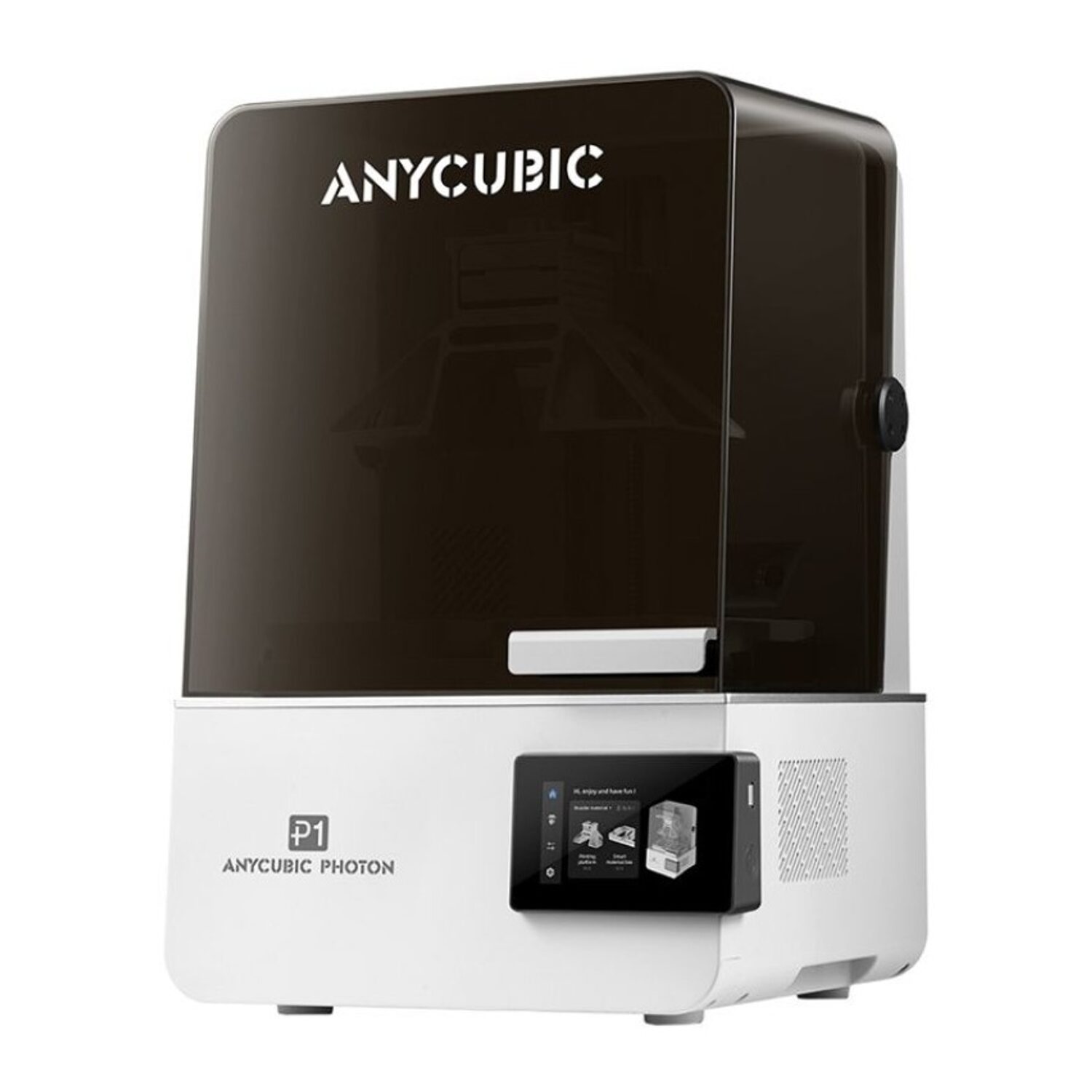
For miniatures, jewellery masters and dental-style detail, a resin printer beats any filament printer. Anycubic’s current Photon range splits three ways:
- Photon Mono 4 (R4,529): the entry point. A 7-inch 10K screen gives 17 × 17 µm XY resolution, which is plenty for tabletop miniatures. Levelling is manual, and the build volume is 153.4 × 87 × 165 mm.
- Photon Mono M7 Pro (R12,670): built for speed and volume. A 10.1-inch 14K screen, up to 170 mm/h with high-speed resin, a heated vat and resin auto-fill for long, unattended runs.
- Photon P1 (R14,938): built to take the fiddly steps out of resin printing. The same 10.1-inch 14K screen, with Auto-Levelling 3.0, a heated vat (20–40 °C), a built-in camera and app monitoring.
Pick the Mono 4 if you’re starting out or on a budget, the M7 Pro if you print a lot, and the P1 if you want resin quality with the least fuss. The heated vat on both 10.1-inch models matters in winter, because cold resin thickens and causes failed prints.
The newest model, the Photon P1 Max, moves to a 14-inch 12K screen with an 18.3-litre build volume for full-size cosplay and large display pieces. If you’re interested in one, ask our quote desk about availability.
What else do you need for resin printing?
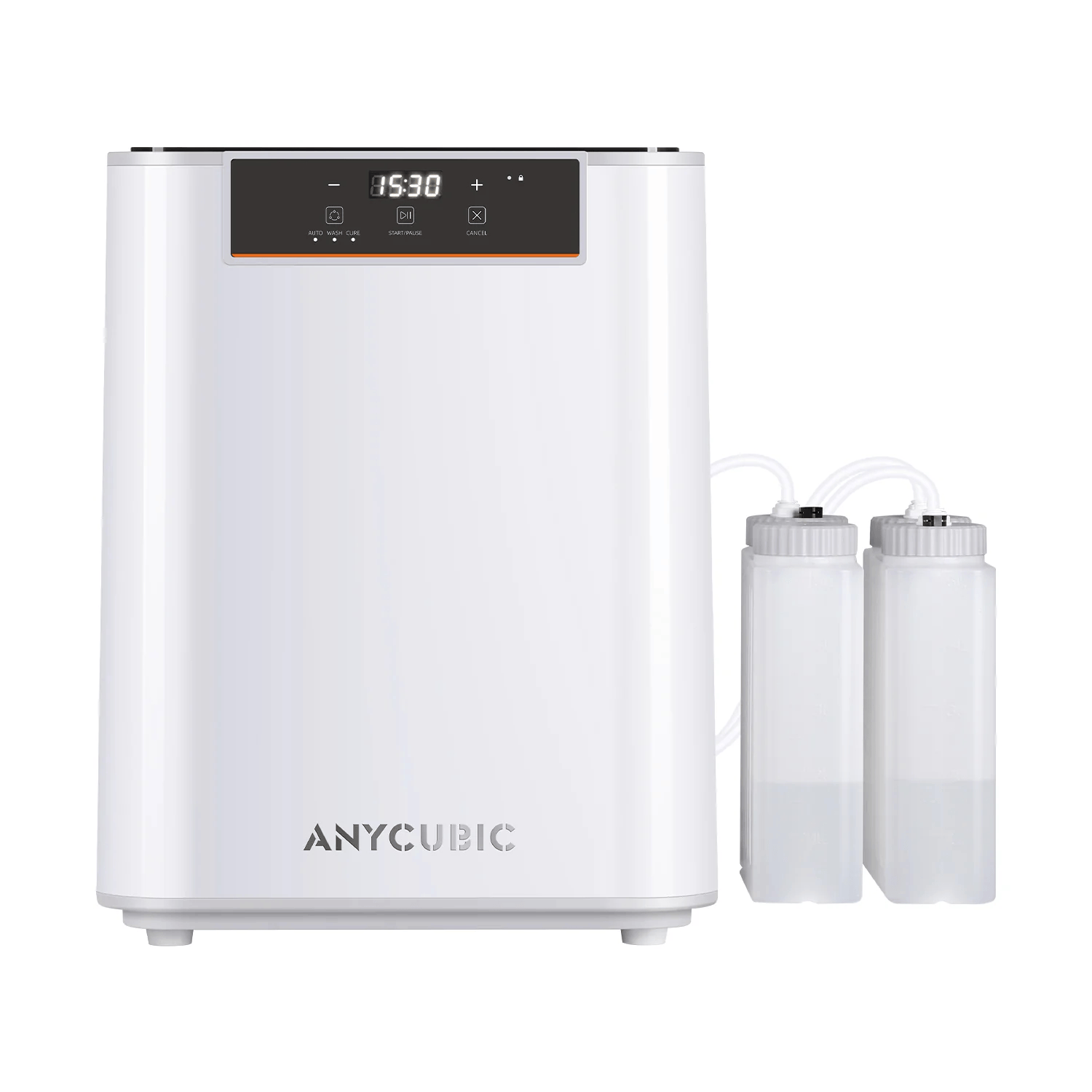
Every resin print has to be washed and then UV-cured before it’s safe to handle and fully hard. A wash-and-cure station does both in one footprint:
- Wash & Cure 3 (R2,266): washes parts up to 165 × 100 × 180 mm, for printers up to 7.3 inches such as the Photon Mono 4.
- Wash & Cure 3 Max (R7,246): washes parts up to 305 × 165 × 300 mm with a 360° spray, has a one-click automatic cycle, and fits printers up to 13.6 inches, including the M7 Pro and P1.
Add nitrile gloves, eye protection and good ventilation. Uncured resin is a skin irritant.
Which Anycubic printer should you buy?
| If you want… | Buy |
|---|---|
| Your first printer, with colour | Kobra X |
| ABS and ASA in a quiet, enclosed machine | Kobra S1 |
| Colour plus engineering filaments | Kobra S1 ACE 2 Pro Combo |
| Nylon, PC and carbon-fibre, or large functional parts | Kobra S1 Max or S1 Max Combo |
| The biggest prints for the money | Kobra 3 Max |
| Miniatures on a budget | Photon Mono 4 |
| Resin with the least setup | Photon P1 |
Browse the full Anycubic range, including filament, resin, nozzles and hotends, or the wider 3D printers and filament category.
Where can you buy Anycubic 3D printers in South Africa?
JLS Computers is an authorised Anycubic reseller. Every printer is genuine South African stock with a 12-month Anycubic manufacturer warranty, and your Consumer Protection Act rights apply on top of that. Delivery is a flat R99 anywhere in South Africa and free on orders over R5,000, which covers every FDM printer above. Delivery in Pretoria is free on every order. See shipping and delivery and warranties for the details.
Buying for a school, makerspace or business? The quote desk handles multi-unit orders.
Anycubic 3D printer FAQs
What is the cheapest Anycubic 3D printer in South Africa?
The cheapest Anycubic printer at JLS Computers is the Photon Mono 4 resin printer at R4,529. The cheapest filament (FDM) printer is the Kobra X at R8,147, which also prints in four colours.
Can Anycubic printers print in multiple colours?
Yes. The Kobra X prints four colours out of the box and expands to 19. The Kobra S1 and S1 Max print four colours with one ACE 2 Pro and up to 16 with four. The Kobra 3 Max prints four or eight colours with ACE units.
Which Anycubic printer can print ABS and nylon?
The enclosed Kobra S1 prints ABS and ASA. For nylon (PA), polycarbonate and carbon-fibre composites, use the Kobra S1 Max, whose chamber is actively heated to 65 °C.
Should I buy a resin or a filament 3D printer?
Choose resin for small, highly detailed parts like miniatures and jewellery. Choose filament (FDM) for larger, functional parts, multi-colour prints and lower running costs. Resin also needs washing, curing and protective equipment.
Do Anycubic printers have a warranty in South Africa?
Yes. Anycubic printers from JLS Computers carry a 12-month Anycubic manufacturer warranty, supported locally. Resin printer LCD screens and release films are wear parts.
Tell us what you need it for and your budget. We'll come back with options from 800+ brands, usually within the hour.